Kodak Portra · Graded with macunfilm
Get more out of your footage
Explore the featuresLess setup, more grading
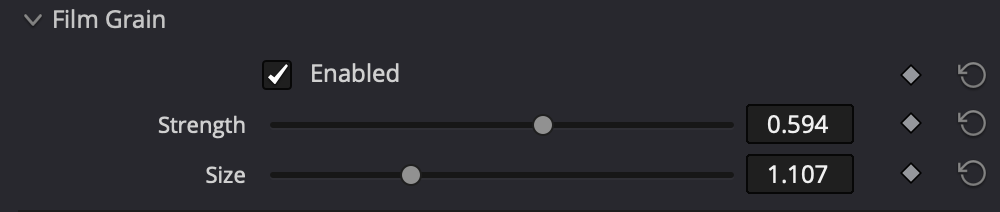
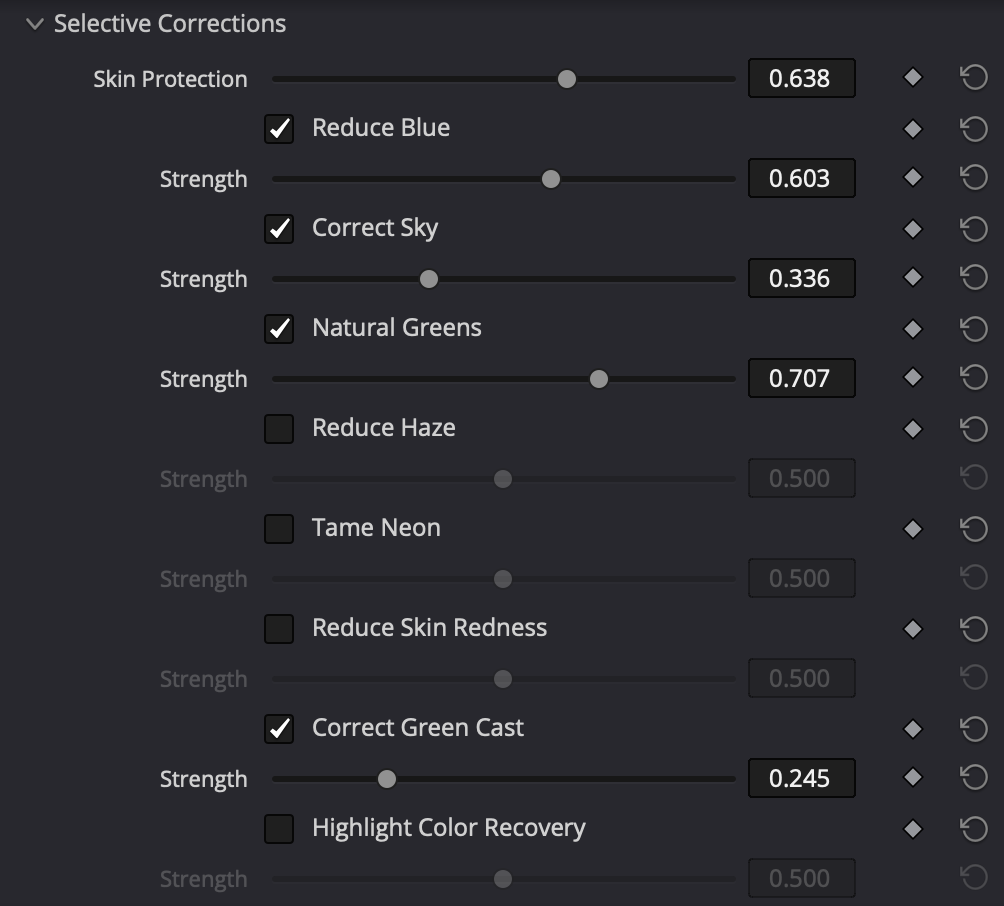
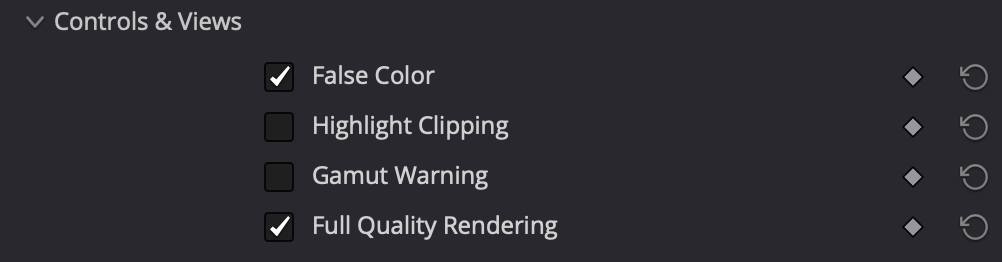
Balance your shot, choose a film stock and add the finishing touches. macunfilm brings colour and texture together in one DaVinci Resolve node.
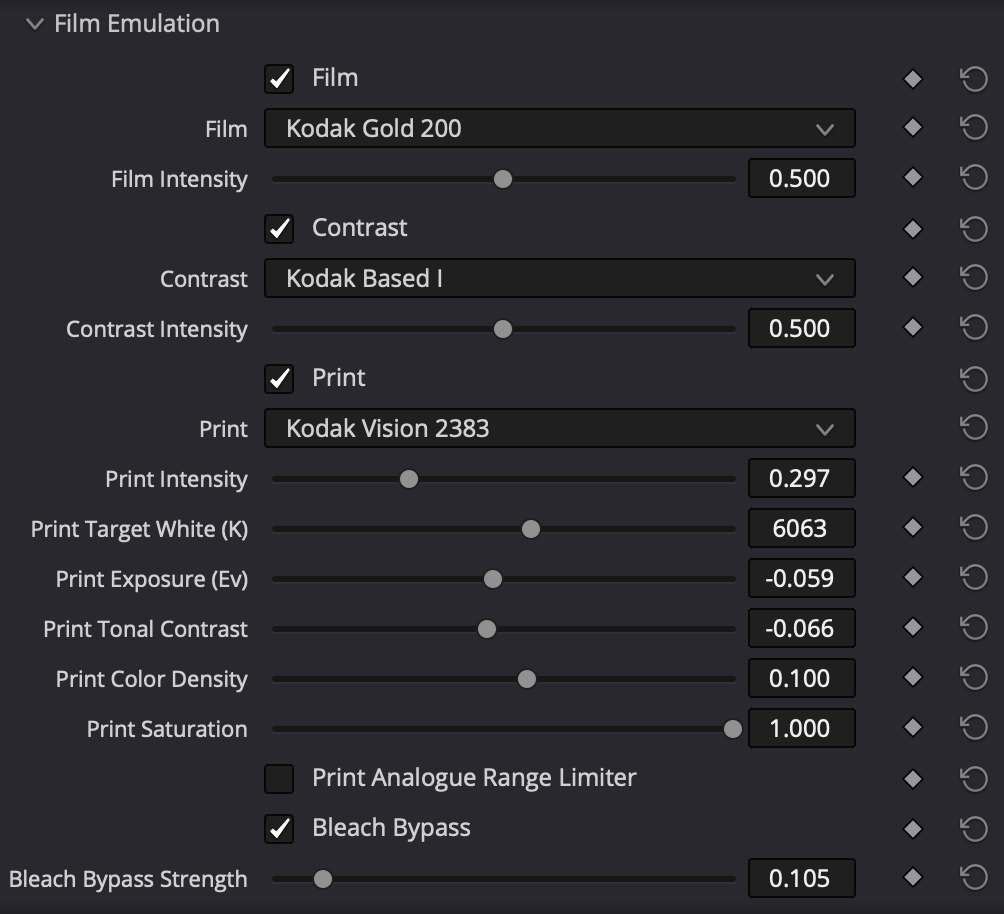
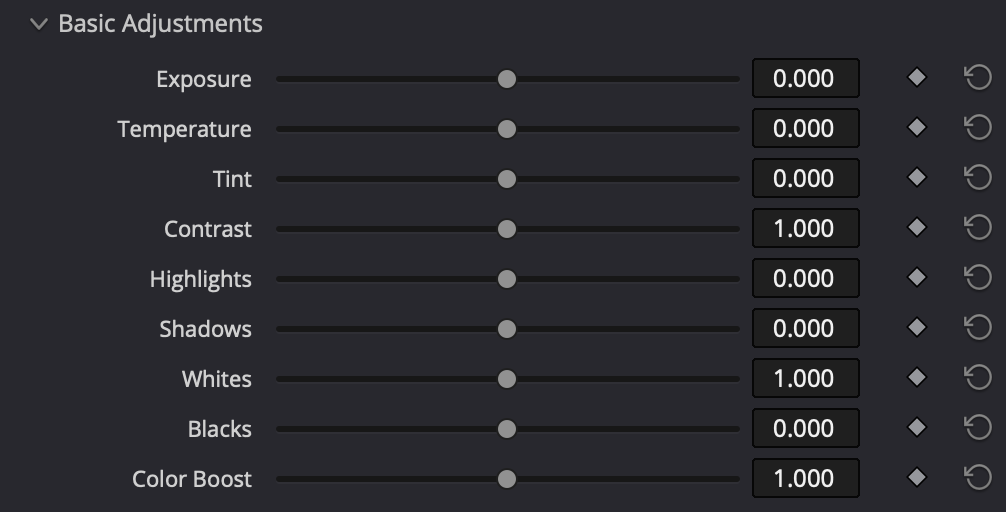
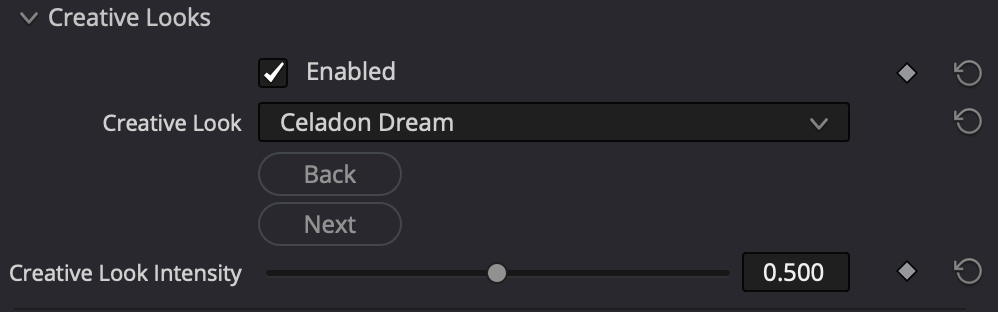
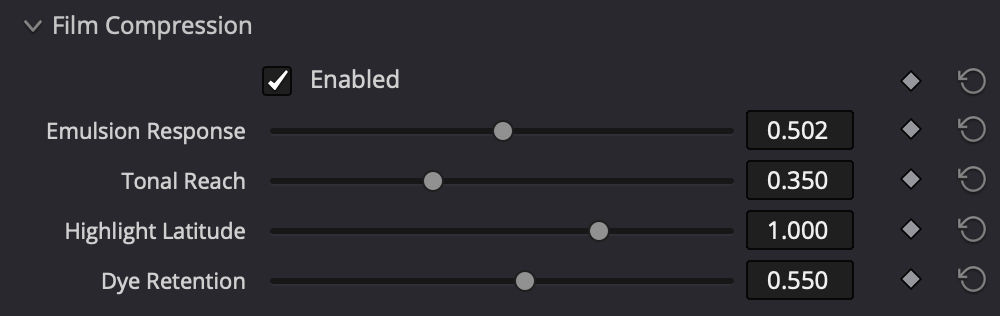


See the difference
Switch between the original shot and the macunfilm grade. Playback keeps moving.


Kodak Portra 800 · Photograph
Fujicolor 400 · Graded with macunfilm
Find a look that feels like your film
Start with a look you like. Adjust the strength, shape the contrast and make it your own.

A few useful answers
When will I get my licence?
After a successful Stripe payment, your licence appears on the confirmation page and arrives by email.
Will my subscription renew?
Yes, monthly or annually depending on your plan. You can cancel before the next renewal in your account.
Can I use another computer?
Each licence authorises one device. Sign in to your account to deactivate the current device before activating another.
Where do I install the plugin?
Download the macOS or Windows installer and follow the installation guide. Then add macunfilm to a node on Resolve’s Color page.